AI
RENDER
ARCHITECTURE
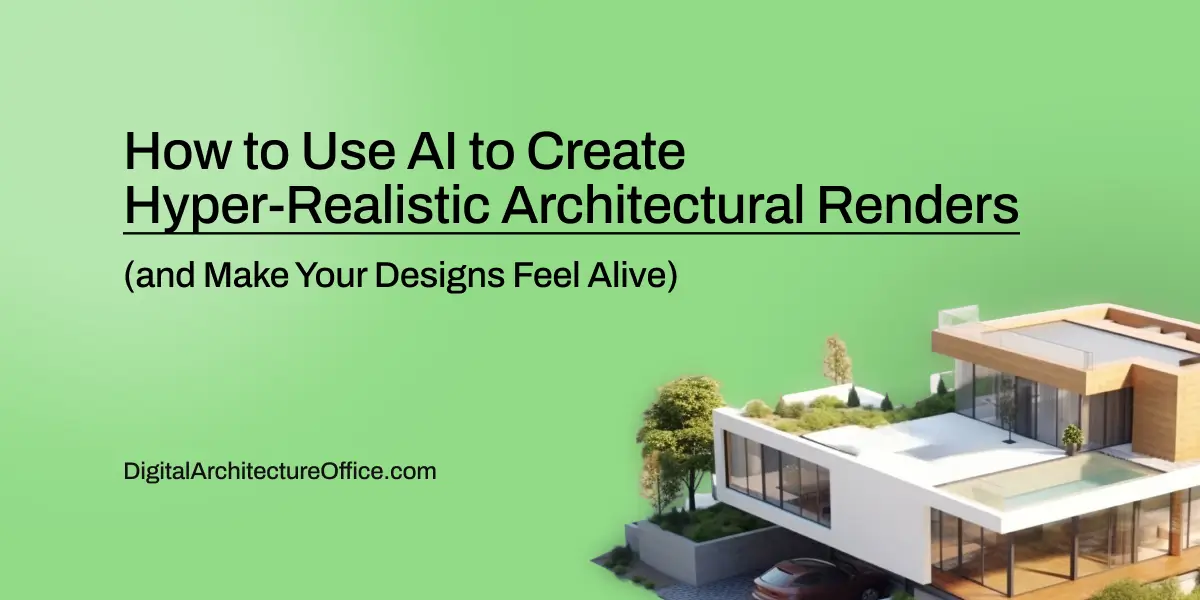
How to Use AI to Create Hyper-Realistic Architectural Renders (and Make Your Designs Feel Alive)
How many times have you designed a render and thought, *“It looks fake”?* You’re not alone. Creating a render that feels *alive* that breathes light, texture, and imperfection is one of the hardest challenges in digital architecture. While traditional rendering relies heavily on manual precision, **AI introduces something new: emotional realism.** Today, you’ll learn how to use AI tools to transform sterile 3D models into captivating architectural images and videos that feel tangible and human.
Part 1 – The Beginning of the Process: Sketch Before You Render
Every powerful render starts with a simple sketch, not a perfect one.
At this stage, precision doesn’t matter. What matters is capturing shape, proportion, and atmosphere. The goal is to feel the space before defining it.
Instead of jumping straight into photorealistic rendering, start by generating AI concept variations based on your sketch. Tools like Midjourney, D5 Render, or Stable Diffusion can extrapolate your hand-drawn composition into hundreds of lighting and material possibilities.
This is where the architectural storytelling begins: from intuition, not perfection.
Part 2 – The Smart Prompt: Writing Like an Artist
Here’s where most people go wrong: the AI prompt.
Typing “modern house” isn’t enough. AI interprets language literally, so your words must convey emotion, context, and light.
Ask yourself:
Is it golden hour or a cloudy afternoon?
Are the materials warm oak or raw concrete?
Should the atmosphere feel minimal or lived-in?
Each condition carries a distinct emotional temperature. For instance, “sunlight filtered through linen curtains” evokes calm domesticity, while “sharp reflections on wet asphalt” suggests drama and movement.
The art of prompting is architectural poetry teaching the machine to see the world the way you feel it.
Part 3 – The Power of Perspective: Designing Through the Lens
Camera position changes everything.
Low angles create a monumental, cinematic feeling.
Wide “American-style” frames let the atmosphere breathe.
Tight shots generate intimacy and focus.
By experimenting with AI-based camera simulation tools, architects can preview emotional tone before rendering. This is where architecture transforms from static design into visual storytelling.
A render isn’t just an image it’s a spatial narrative.
Part 4 – The Hidden Realism: Imperfection as Emotion
Here’s the most underrated part of realism: imperfection.
Hyper-realism is not about technical sharpness. It’s about subtle disorder that mimics life.
Add:
A thin layer of dust on the floor
A scratch on a metal surface
A secondary light bounce from a nearby wall
These micro-elements break visual symmetry and trigger the brain’s recognition of “real.” Overly clean renders feel sterile because they lack the tiny irregularities that make human environments believable.
As the saying goes, perfection is lifeless, imperfection is truth.
Part 5 – Post-Processing with AI: The Final Touch
Once the main render is ready, use AI post-processing tools like Runway ML, Topaz Labs, or Adobe Firefly to enhance depth, lighting balance, and color grading.
Here, you can simulate camera noise, bokeh effects, or even subtle atmospheric particles to push realism further.
Many architects also use AI upscaling to increase resolution for large-format presentation boards or cinematic animations. The result: an image that looks more like a photograph than a render.
Part 6 – From Still Image to Moving Emotion: AI-Driven Videos
AI doesn’t stop at static renders.
By integrating tools like Pika Labs or Kaiber, you can create short architectural walkthroughs that blend realism and motion.
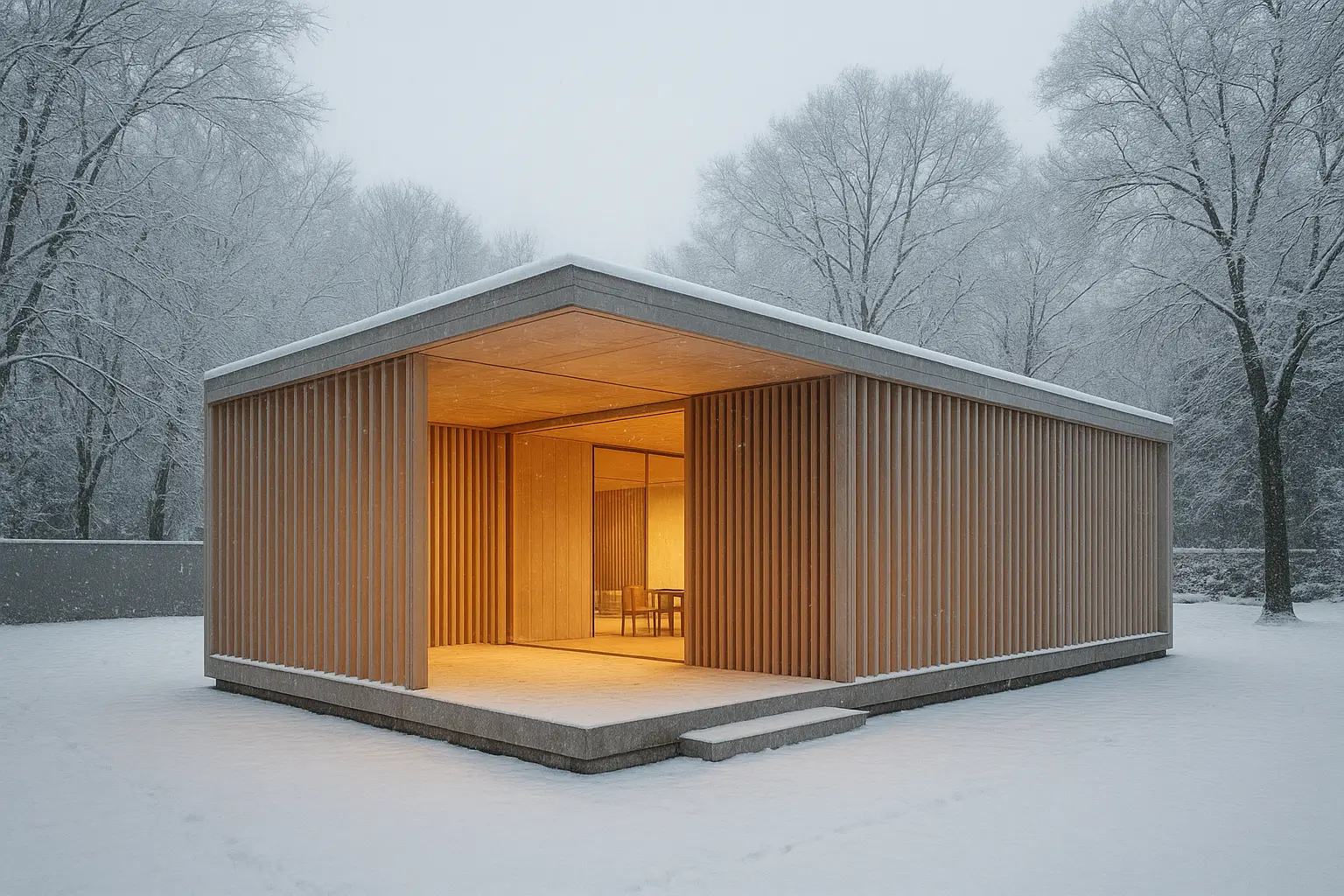
Imagine light shifting naturally through glass facades or leaves moving gently outside a window—all generated from a single still render. These details transform architectural visualization into an emotional experience rather than a technical one.
Part 7 – The Takeaway: Architecture Beyond Pixels
This isn’t just about AI.
It’s about designing architecture that evokes emotion, memory, and experience.
AI doesn’t replace your creative eye, it amplifies it. It allows you to move faster from concept to story, from sterile render to emotional realism.
If you want your next project to make viewers say “wow,” start experimenting today.
Embrace imperfection, design through atmosphere, and let AI become your creative collaborator.
FAQs
1️⃣ What is the best AI tool for hyper-realistic renders?
Midjourney and Stable Diffusion are top choices for concept exploration, while D5 Render and Twinmotion are great for real-time realism.
2️⃣ How can I make AI renders look less “plastic”?
Use detailed prompts emphasizing natural materials, varied lighting, and environmental imperfections.
3️⃣ Can AI replace 3D rendering software like V-Ray or Lumion?
Not yet. AI complements traditional rendering workflows by enhancing creativity and realism but doesn’t replace technical modeling.
4️⃣ How do I prompt AI for accurate architectural proportions?
Include camera type, focal length, and scale in your prompt. Example: “interior living space, 35mm lens, 1:1 human scale.”
5️⃣ What’s the future of AI in architecture visualization?
Expect real-time adaptive rendering, where AI adjusts lighting and materials dynamically as you design.
6️⃣ Are AI renders accepted in client presentations?
Yes—when labeled as “concept visuals,” AI renders are now widely used to communicate design mood and atmosphere early in the process.
Conclusion
Hyper-realistic rendering is no longer about brute-force computation: it’s about feeling.
AI gives architects the power to create images that don’t just look real but feel real.
In this new era, technology serves emotion and that’s where architecture comes alive.
Bringing It All Together
AI does not dismantle the rendering process; it redefines its rhythm. It shifts the focus from the mechanics of production to the poetics of visualization.
A contemporary workflow might unfold as a sequence of gestures: sketching ideas, generating early atmospheres, refining scenes through optimization, experimenting with light and material, and finally giving motion to the image.
What emerges is a new form of authorship, one where technology extends rather than interrupts creative thought. AI becomes an ally that accelerates without impoverishing, clarifies without simplifying. It allows the architect to see earlier, test wider, and narrate space with greater emotional and material precision.
In this sense, AI for rendering is not automation; it is amplification. It is the continuation of the designer’s gaze into new temporal and visual dimensions.
Contact us using the form below to get a free consultation and receive a strategic roadmap for integrating AI into your workflow.